Building a piano tutor
I grew up playing percussion so I know about beat durations and reading rhythm but get tripped up when sheet music has notes with different frequencies (pitch). I understand how to translate the notation on the page to its corresponding key on the piano but this often involves squinting and an intermediate letter conversion:
position of note on page > letter > position of key on piano
I’ll often write the letter corresponding to the note directly on the sheet music to bypass the rate limiting step (identifying note position and converting to letter) but I understand this is frowned upon by musicians and for good reason as the intermediate letter is completely unnecessary - the ideal system is to instantly and directly translate position of dot on page to position of key on piano. That’s really when sight reading begins.
To help learn this system while also speeding up note recognition, I’ve decided to build a GUI using python that flashes random notes and has the user click the corresponding position on a displayed keyboard, only proceeding to the next note when the user gets it right (aka musical flash cards). I figured this will be cool to digitize as I can track my progress over time (e.g. average time it takes to click correct position on keyboard). I can also build up the application to include chords and, perhaps, play the corresponding sound of each note when clicked.
Let’s begin!
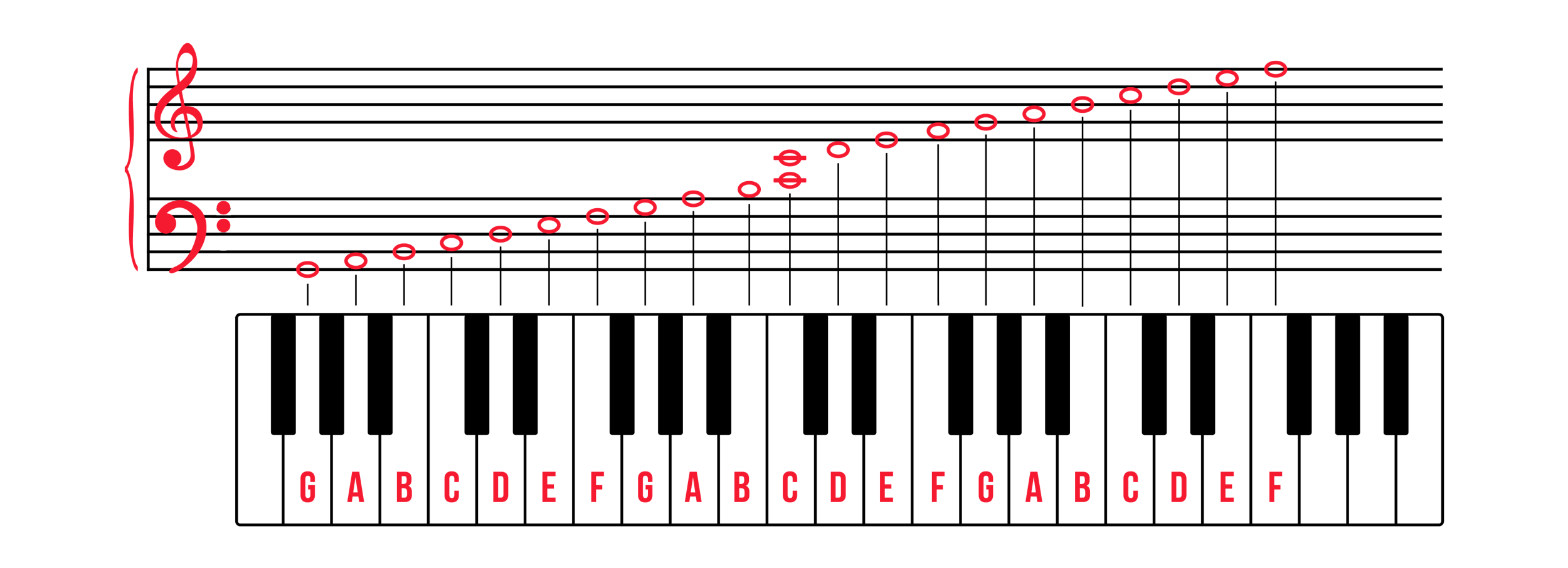
From https://www.pianote.com/blog/how-to-read-piano-notes/
Okay I’ve never built a GUI in python before but how hard could it be? Internet seems to recommend Tkinter or PySimpleGUI package although this top Reddit comment on a thread about the best/right way to do it in python intrigues me:

I’ll look more into that later.. for now it’s Tkinter
UPDATE: This is taking a while b/c I decided to use it as an opportunity to learn HTML/css/javascript and build a web application from the ground up - stay tuned
2/9/26:
Up and running! “Piano tutor v0”
https://ramquery.com/piano-app/html/piano_app.html
I started by pulling .mp3 audio files for each note of an 88-key piano (A0-C8 i.e. spanning 7+ octaves) from https://github.com/fuhton/piano-mp3 and images of individual notes on a grand staff from https://www.pianolessonsonline.com/how-to-read-piano-sheet-music/.
I then designed a 4 octave keyboard (any more and the keys would be too small/tight) via html/css, using a horizontal flexbox container. For the black keys, each sub-container was specified to have negative left and right margins and a z-index=1 so they’d overlap adjacent containers (the white keys).
I then linked key selection to the playing of the corresponding audio files via javascript. The one trick here was instantiating new audio elements (“child nodes”) each time a key is pressed (i.e. appending separate clones to the DOM) so that multiple keys could be played simultaneously and ring until completion. These clones are removed from the DOM once the audio file finishes playing so they don’t stack up endlessly.
I also added on-click animations to the keys so they’d indicate when pressed which is immensely satisfying.
Lastly, the game function. This took a bit of time w/ my novice JS understanding but ultimately came together w/ assistance from GitHub Copilot. At instantiation, a random list of 10 notes is generated. One at a time, the image file corresponding to each random note is selected/displayed to the user. The game then waits for user input (key selection). Once a key is selected it is recorded as right or wrong (internally) and the next note is displayed. At the end of the game, a score (x/10) and total time is reported.
And just like that we have a new way of learning piano! New for me, at least. No more intermediary letter conversion, simply map position of note on grand staff to position of key on piano. Very satisfying. I already have a couple ideas on how to improve the game but, for now, V0 is a functioning prototype. Stay tuned for updates and enjoy!
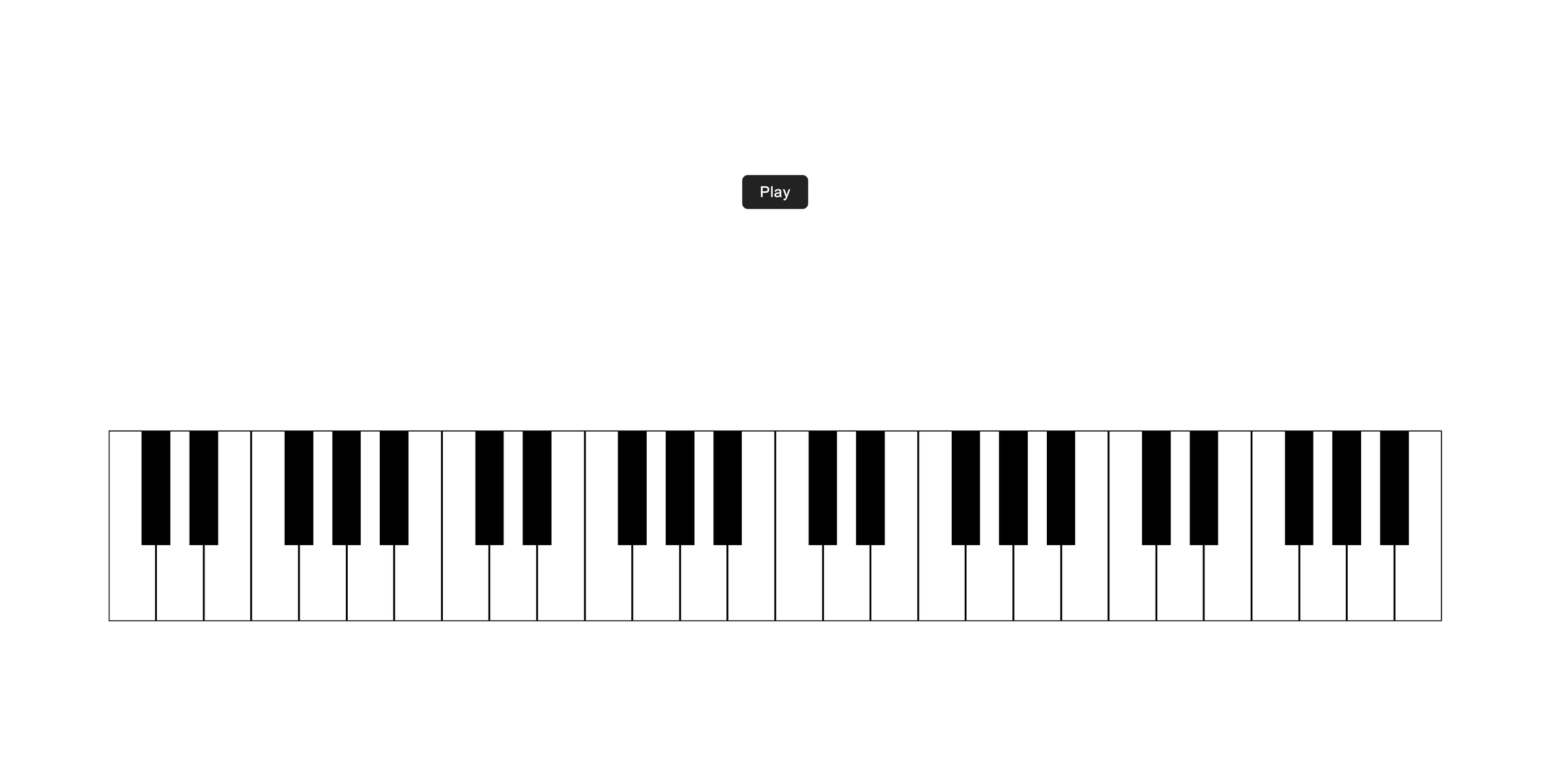
The basic, v0 layout:
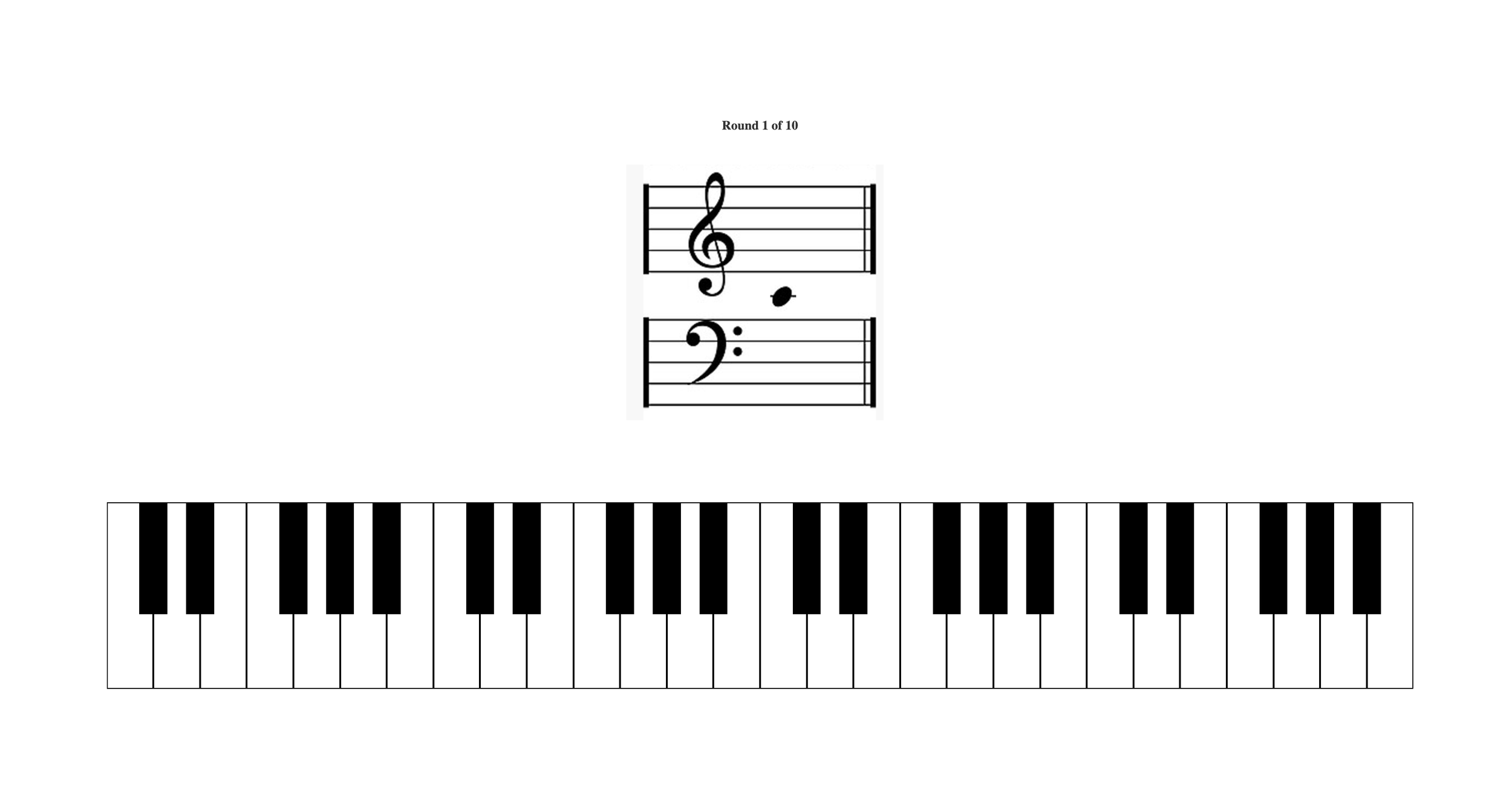
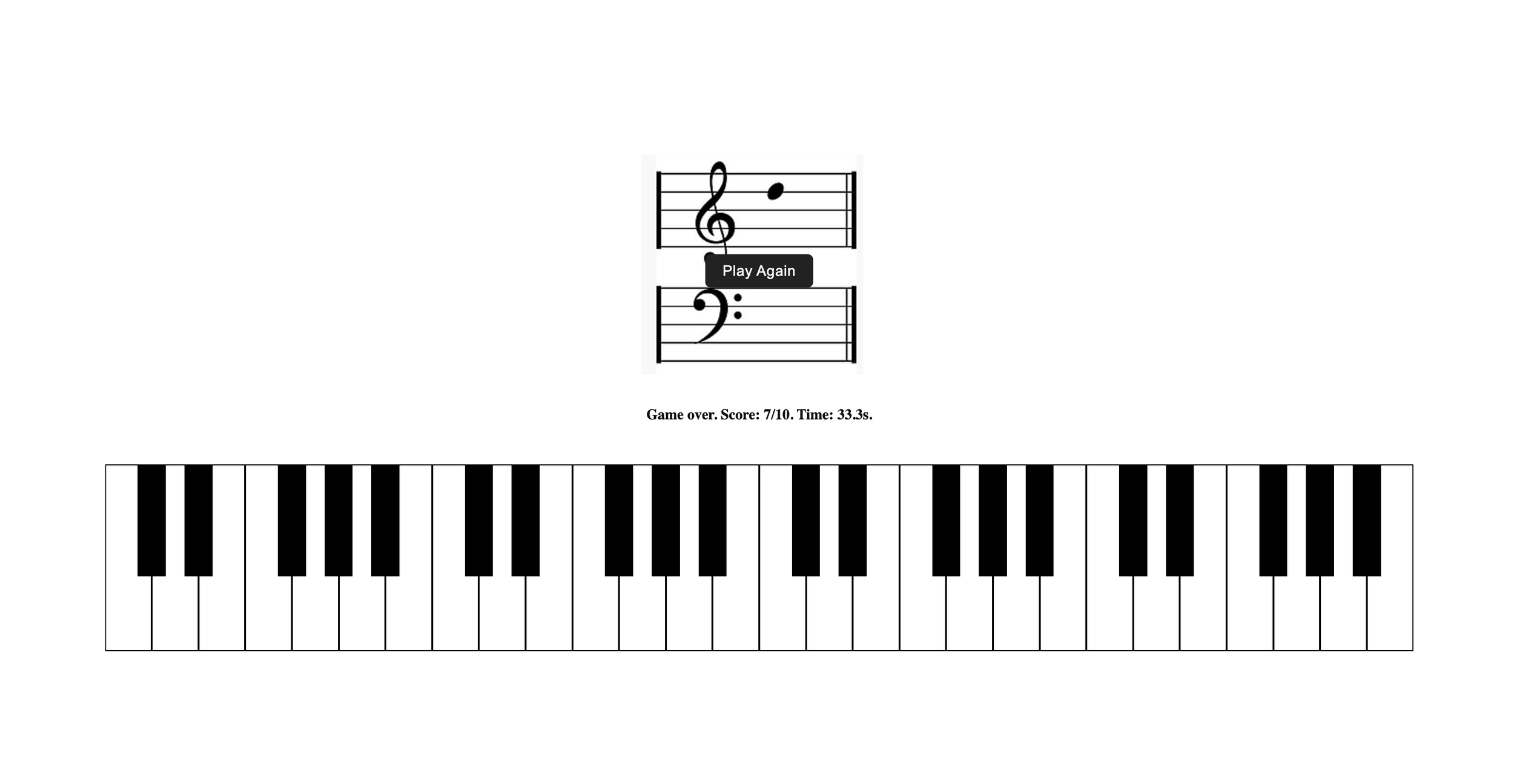
v1 of piano application just dropped at ramquery.com. Two updates
In-game user feedback in the form of temporary red and green highlighting of the selected key to indicate correctness. A simple addition that really helps learning by reinforcement
Changed the game structure. V0 was punishing, whether you selected the right key or not it would proceed to the next note (w/o any indication to the user if they got it right). In V1, we switch to more positive-reinforcement. The game doesn’t proceed to the next note until the user selects the correct key for the active note. At the end, the app reports the total # of key selections (“guesses”) it took for the user to complete all 10 notes.
True mastery? I’m saying 10 guesses for 10 notes in <10s. Any faster and I think the rate-limiting step becomes how you quickly you can move the cursor between keys. I can’t seem to do any better than 25s currently when prioritizing accuracy over speed.
While I think v1 is a big improvement over v2, there are still a few things I’d like to clean up. Stay tuned…
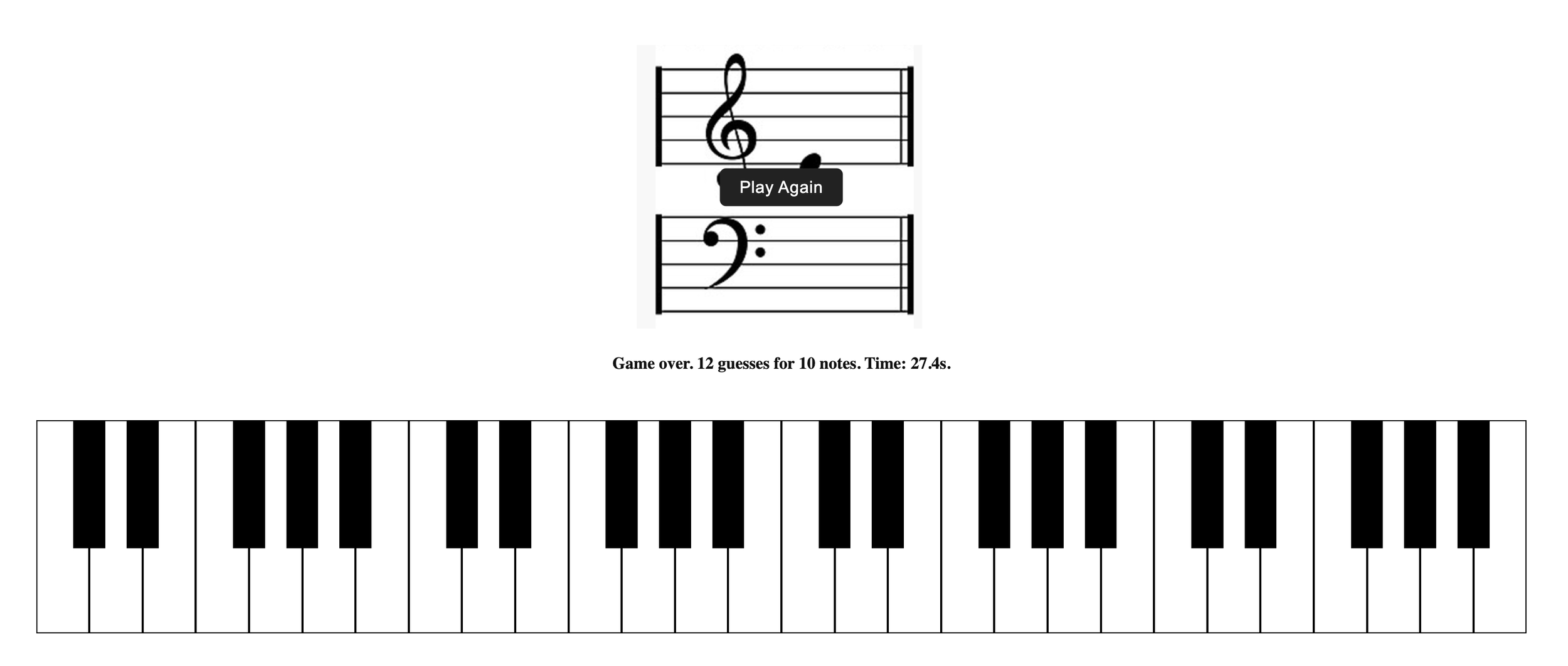
Piano tutor v2 just released! Getting very close to optimum… ramquery.com
Notable improvements:
The game now reports accuracy at the end instead of “___ guesses for 10 notes”. Seemed more sophisticated. Accuracy = (10/(# guesses))*100
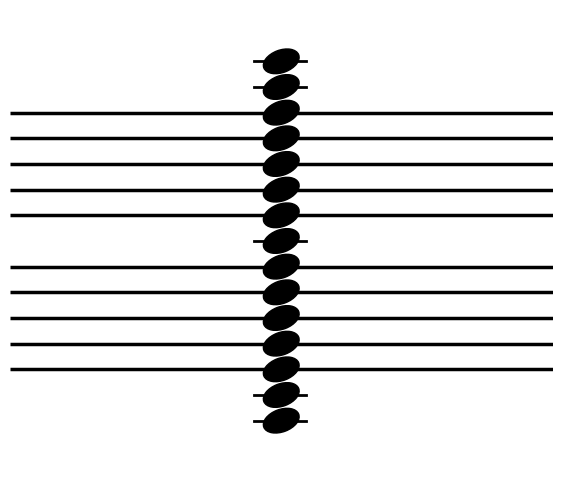
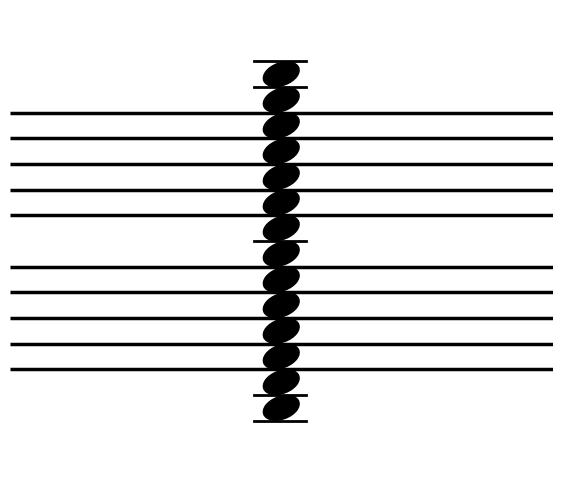
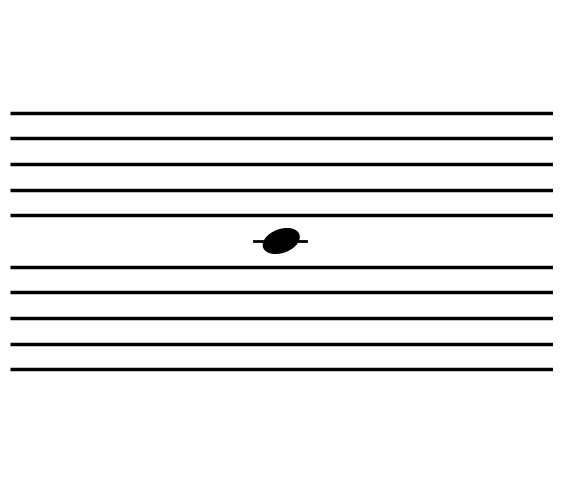
The inconsistency in image file size was bothering me. In the early versions, the keyboard and sheet music would jump around slightly b/c each image file was a slightly different size (since I just screenshotted them off a website… lol). In the latest version, I created my own note-on-grand-staff image files in python (code below). This ensured all files are exactly the same size and formatting so the grand staff position appears fixed/stable on the page regardless of the active note. Very satisfying. Although the tradeoff here was that I no longer could include the bass and treble clefs on the staff... Sad.
I added more notes to the game. But wait, the keyboard is the same size, so how? Well I doubt anyone noticed but the game function in v0 and v1 didn’t actually include the full set of displayed white keys. I could only have users guess keys for notes that I had image files for (which wasn’t all of them b/c, again, I pulled them from a random source online). However, now that I can generate my own image files, I was able to expand to include the full set of displayed white keys (4 complete octaves). And now that I have the image script, I can also start annotating notes with sharps and flats (i.e. adding the black keys). Once again, stay tuned…
Python script for generating images of notes on a grand staff…
yval_to_note = {
    -20: 'C2',
    -15: 'D2',
    -10: 'E2',
    -5: 'F2',
    0: 'G2',
    5: 'A2',
    10: 'B2',
    15: 'C3',
    20: 'D3',
    25: 'E3',
    30: 'F3',
    35: 'G3',
    40: 'A3',
    45: 'B3',
    50: 'C4',
    55: 'D4',
    60: 'E4',
    65: 'F4',
    70: 'G4',
    75: 'A4',
    80: 'B4',
    85: 'C5',
    90: 'D5',
    95: 'E5',
    100: 'F5',
    105: 'G5',
    110: 'A5',
    115: 'B5',
    120: 'C6'
}
import numpy as np
import matplotlib.pyplot as plt
from matplotlib.patches import Ellipse

for y in np.arange(-20,125,5):

    plt.figure(figsize=(7, 6))
    ax = plt.gca()

    for bar in range(0,110,10):
        if bar==50:
            continue
        else:
            ax.hlines(y=bar, xmin=0, xmax=100, color='black', linewidth=2.5)

    note_head = Ellipse((50, y), width=10, height=6, angle=70, color='black')
    ax.add_patch(note_head)

    if y in [-20,-10,50,110,120]:
        plt.plot([45,54.5],[y,y],'k',linewidth=2)

    if y==-15:
        plt.plot([45,54.5],[y+5,y+5],'k',linewidth=2)

    if y==115:
        plt.plot([45,54.5],[y-5,y-5],'k',linewidth=2)

    if y==-20:
        plt.plot([45,54.5],[y+10,y+10],'k',linewidth=2)

    if y==120:
        plt.plot([45,54.5],[y-10,y-10],'k',linewidth=2)

    # hide axes
    ax.axis('off')
    ax.set_xlim(0, 100)
    ax.set_ylim(-40, 140)
    #plt.savefig(f'python_generated_notes/{yval_to_note[y]}.png',dpi=300,bbox_inches='tight')
    #plt.close()
    plt.show()
Piano tutor v2 application
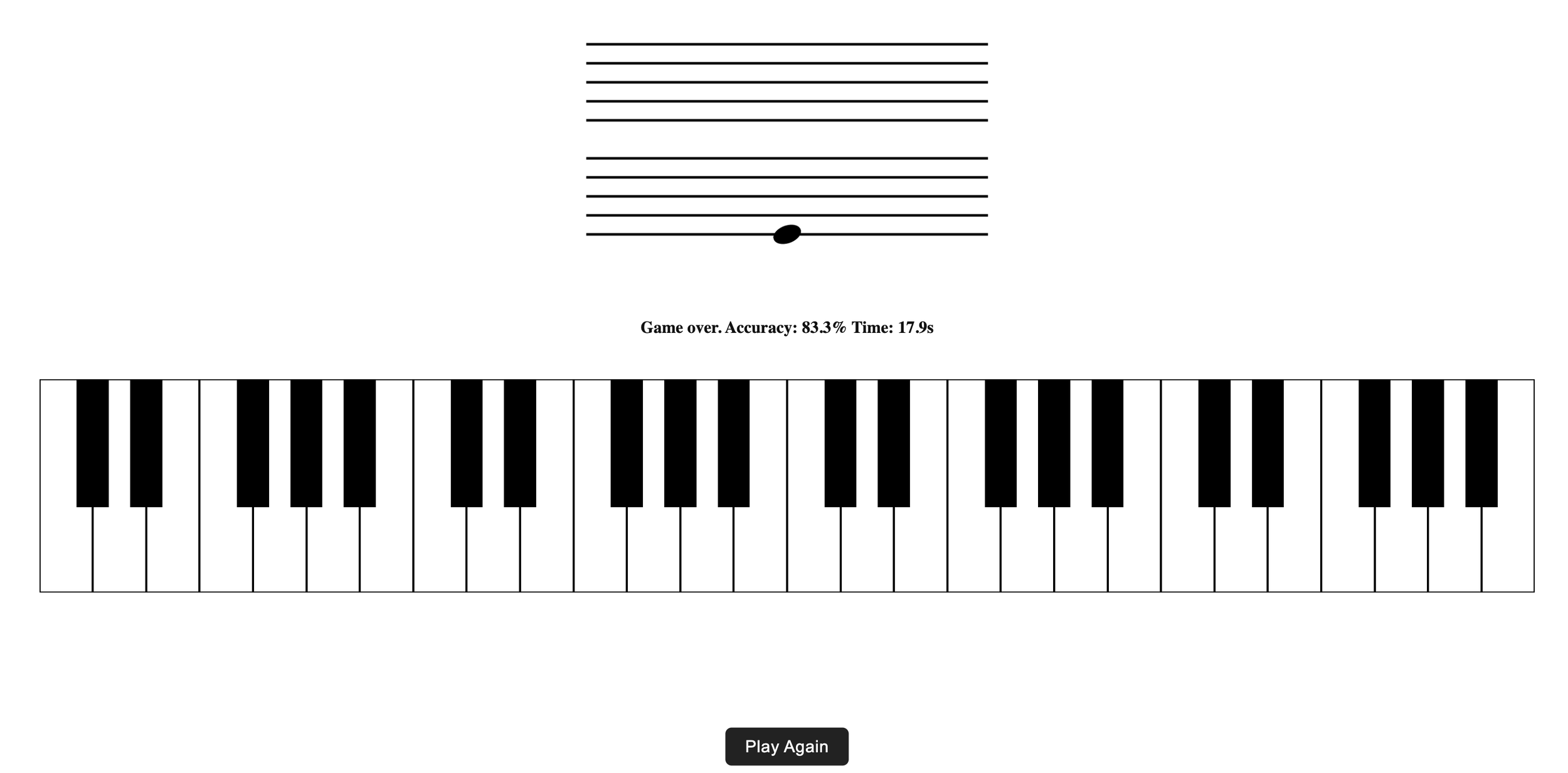
Shoot, I need to fix the “play again” button, it’s supposed to be displayed over the grand staff at the end of the game, not at the bottom of the viewport. Not sure how that happened…
While we’re here… let’s talk music theory b/c I find the design of the piano fascinating. It’s like the periodic table of sound.
What is sound? A wave of colliding molecules. In other words, it’s a vibration that causes changes in pressure that propagate through a medium like air or water or metal. It’s any disturbance that causes pressure changes